Table of Contents
Fulfill order item #
This refers to communicating how many order items have been shipped. This can be done in the order details screen (admin).
Path: WooCommerce > Orders > Order #abc.
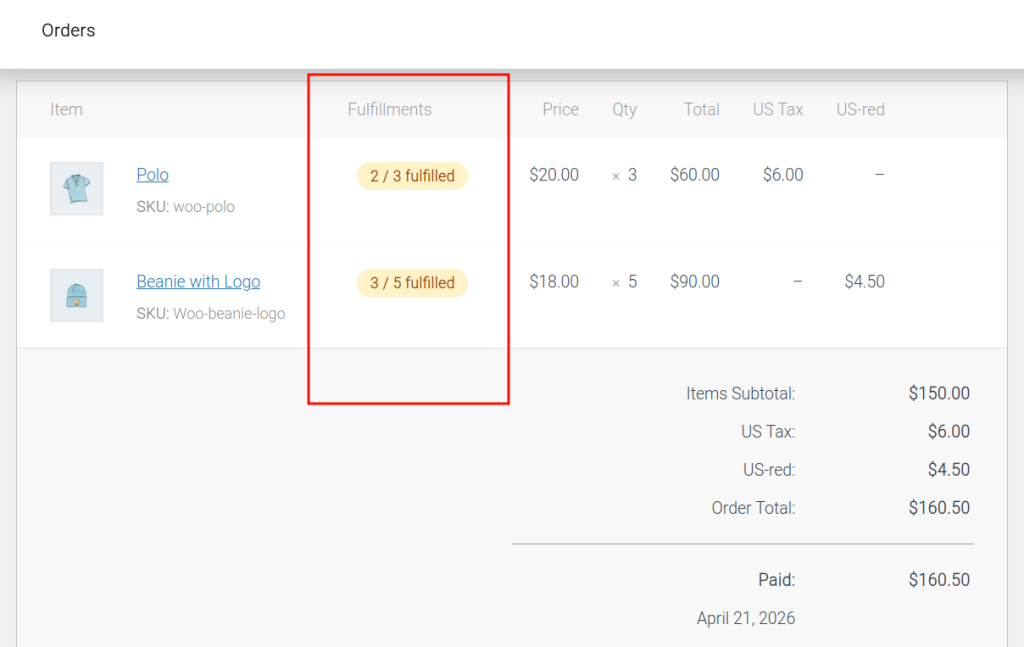
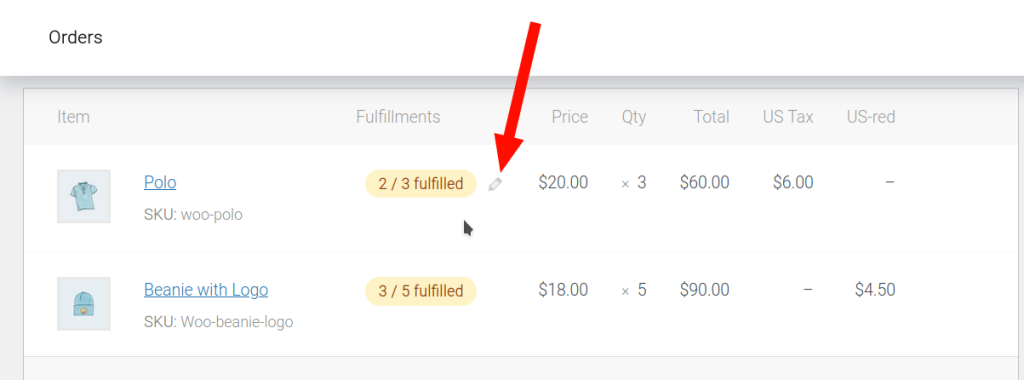
In order to change the fulfillment amount of an order item in an order, hover over an order item to reveal the edit icon.
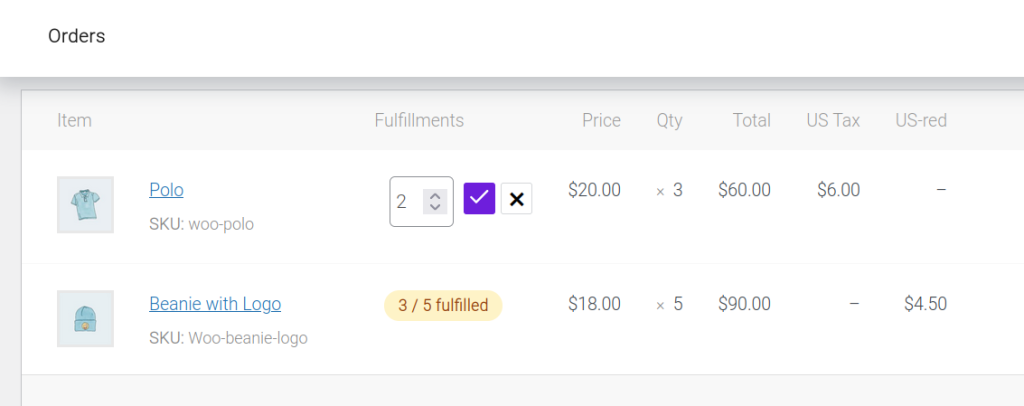
Once the icon is clicked, the fulfillment amount can be edited.
Track fulfillment #
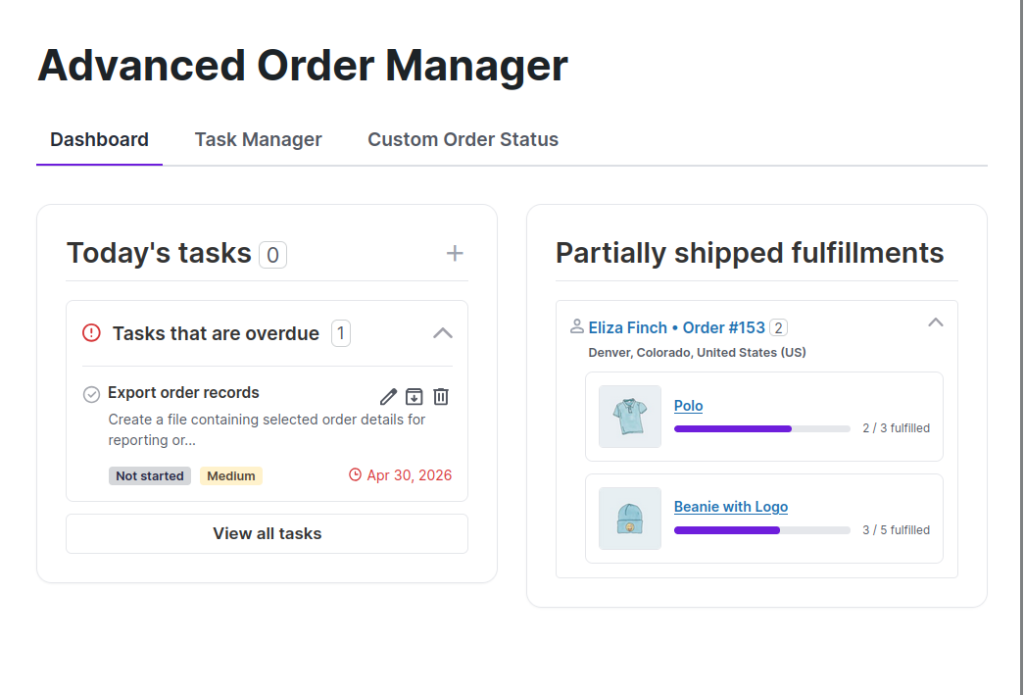
This leads to the plugin dashboard, where an overview of all partial fulfillments from orders can be tracked.
Path: WooCommerce > Order Manager > Dashboard.
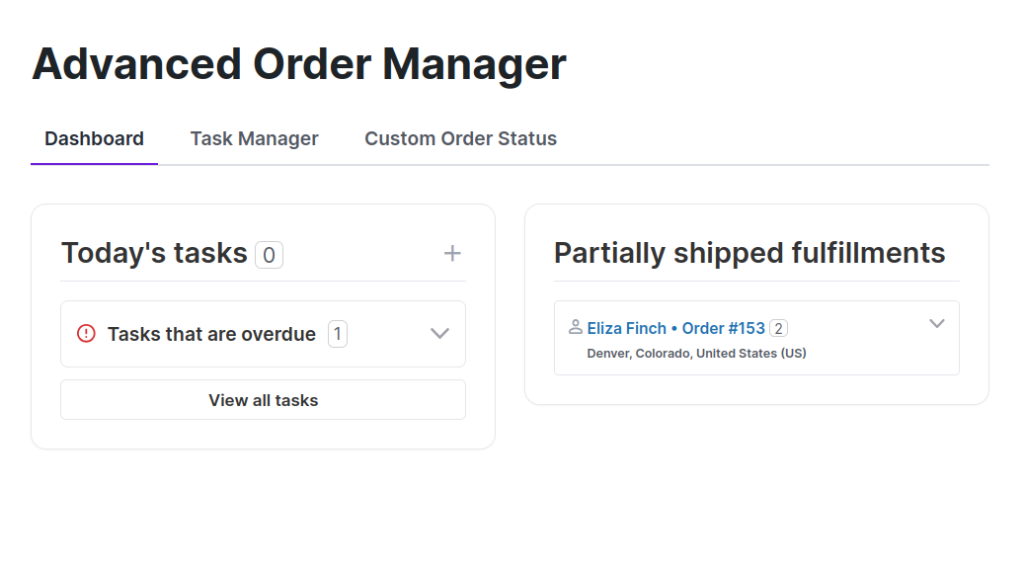
The sections are expandable on-click, revealing more fulfillment details.
Order notes #
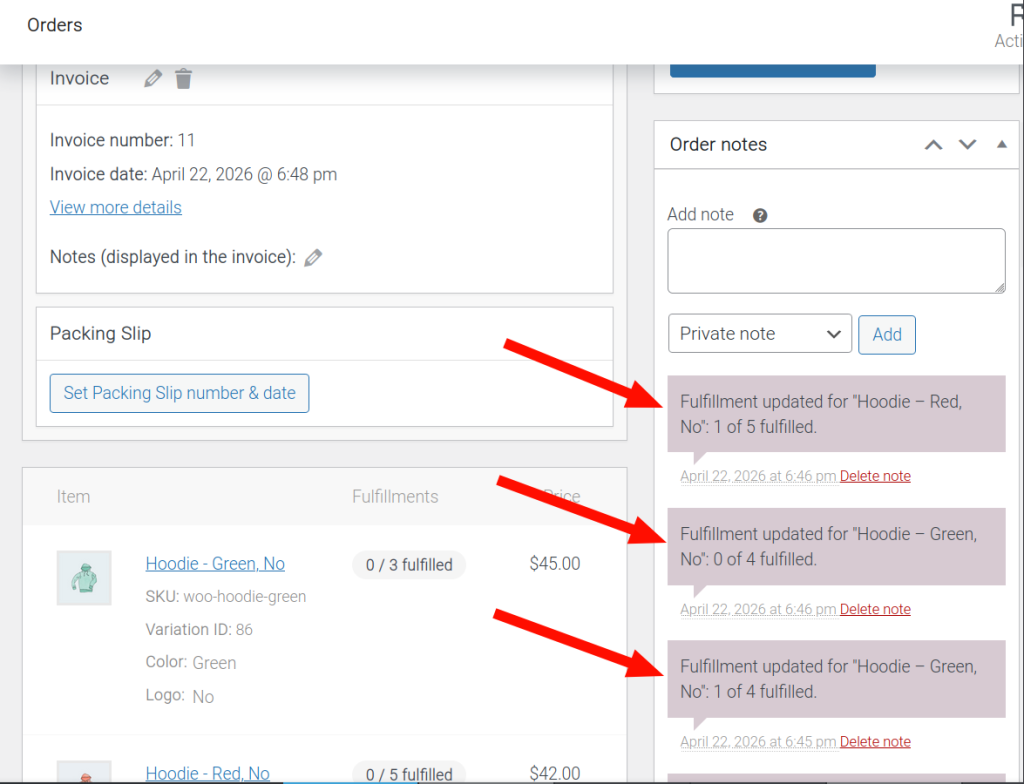
From the woocommerce order details screen (admin): Whenever the item fulfillment quantity changes, the change is recorded in the order notes.