
Table of Contents
Create a new order status #
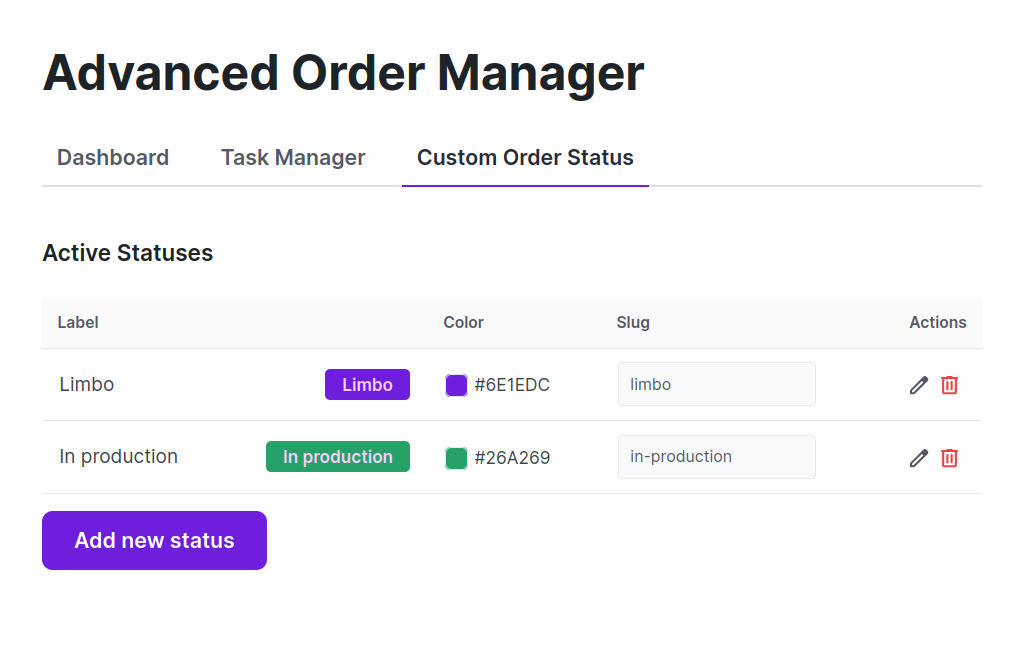
Path: WooCommerce > Order Manager > Custom Order Status.
For each custom status, set the:
- Label
- Color
- Slug
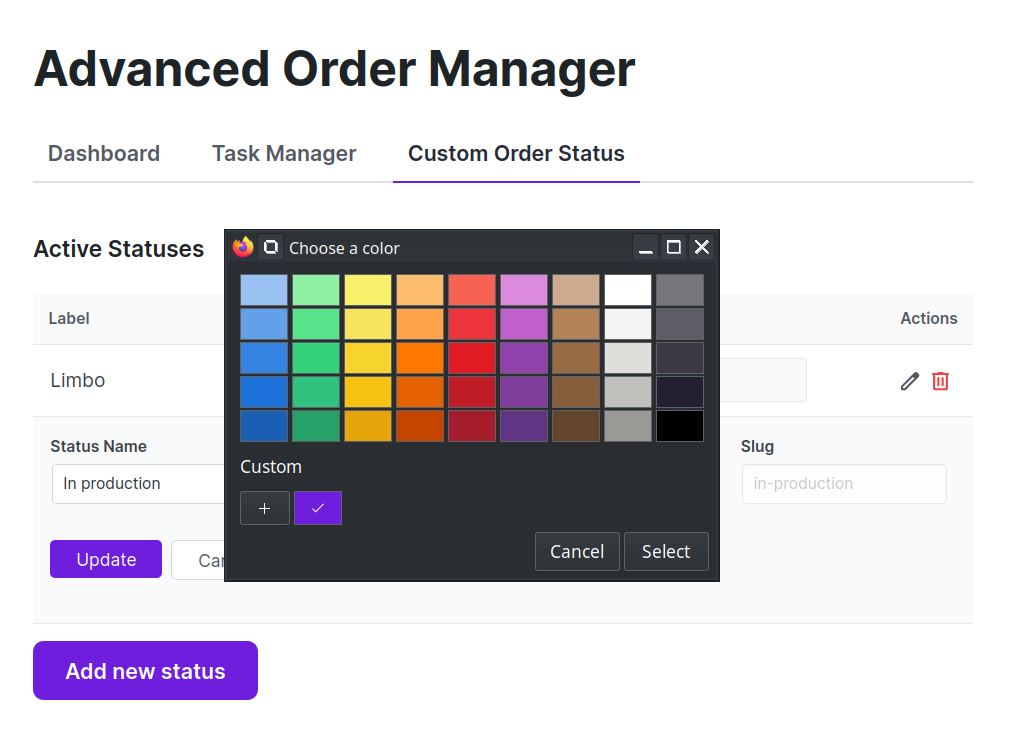
A color picker is available:
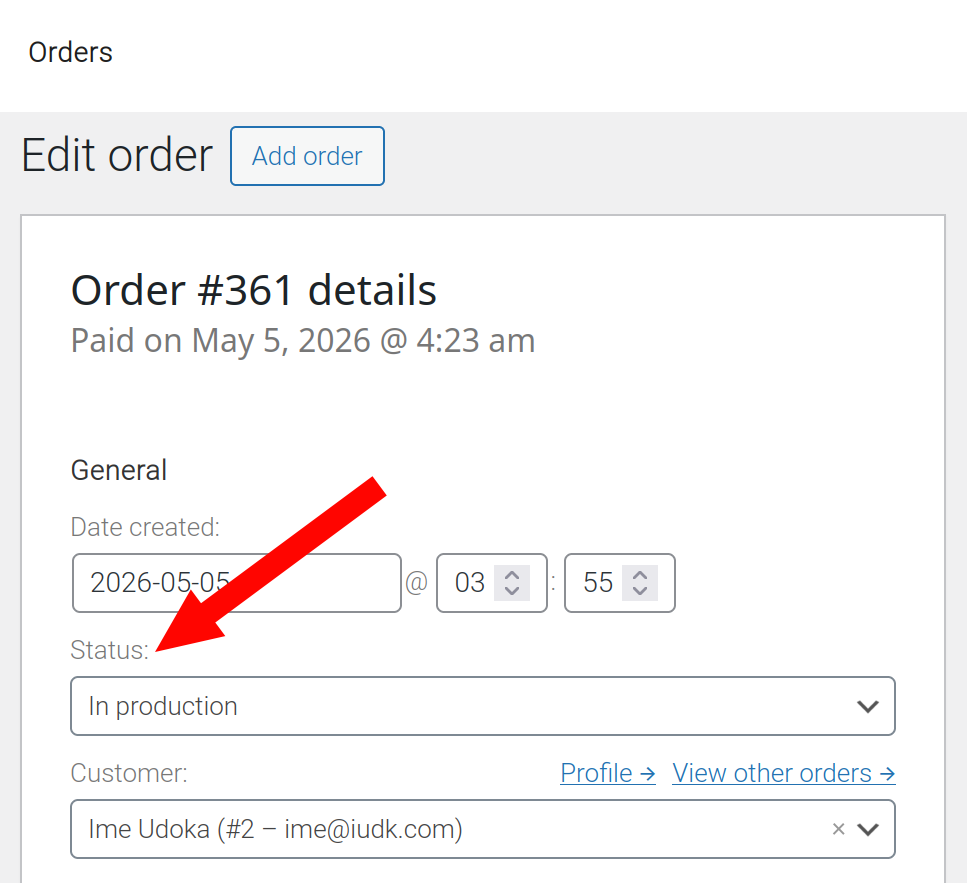
After clicking the Update button, the new statuses are now available for use.
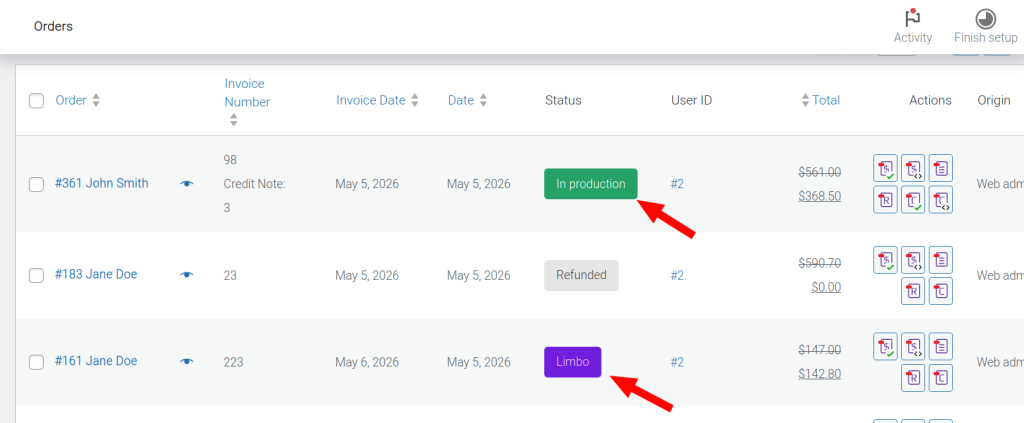
The selected colors will appear in the woocommerce order page at WooCommerce > Orders.
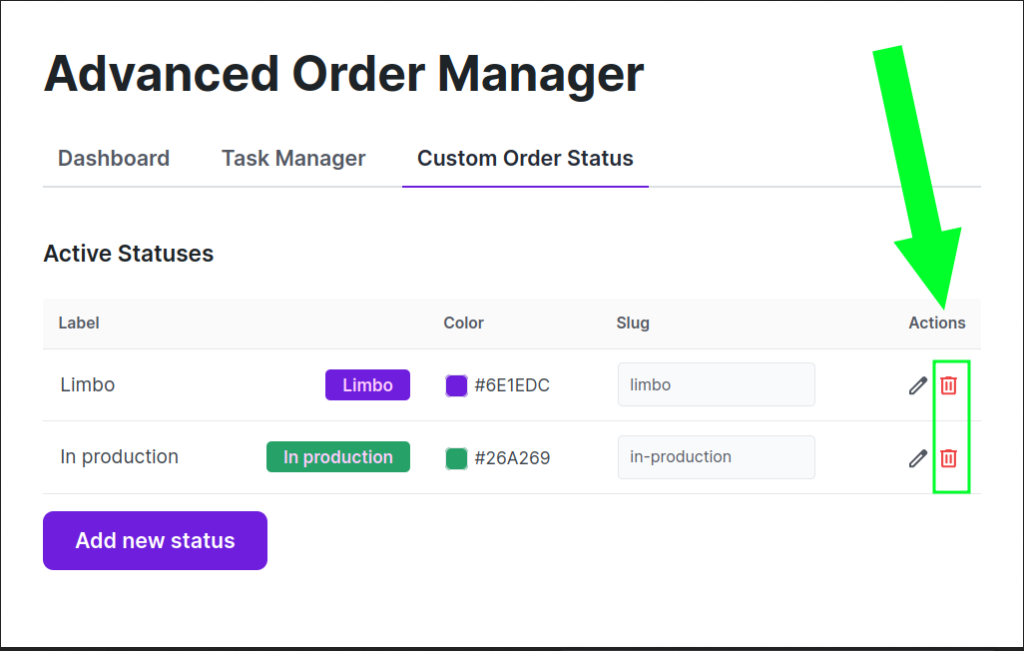
Delete a custom status #
This can be done in the custom order status screen.
Path: WooCommerce > Order Manager > Custom Order Status.
Important note #
When a custom order status is deleted, all associated orders are then updated to the ‘On-Hold‘ status, via a background process. This process may take some time if there are a lot of orders to update.


