
Table of Contents
Path: WooCommerce > Menu Cart > Cart Design & Behavior > Cart display modes.
There is a cart display mode setting for both desktop and mobile displays.
- Desktop view triggers for displays wider than or equal to 768px.
- Mobile view triggers for displays less wide than 768px.
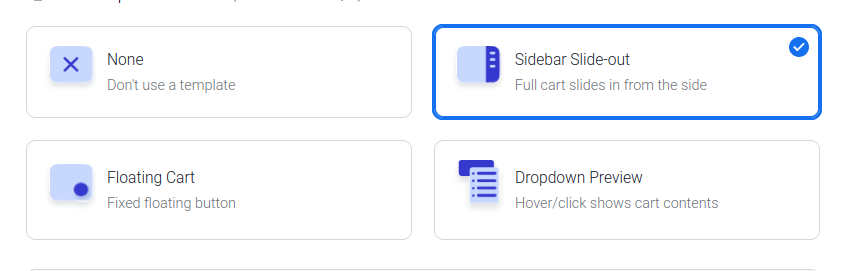
These are the desktop view available templates:
- None
- Sidebar Slide-out
- Floating cart (requires Menu Cart Pro)
- Dropdown Preview (requires Menu Cart Pro)
These are the mobile view available templates:
- None
- Sidebar Slide-out
- Floating cart (requires Menu Cart Pro)
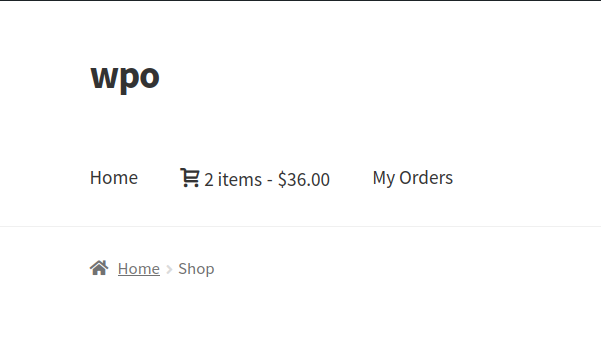
None #
No template is used. The cart just appears as a clickable menu item on the site front-end.
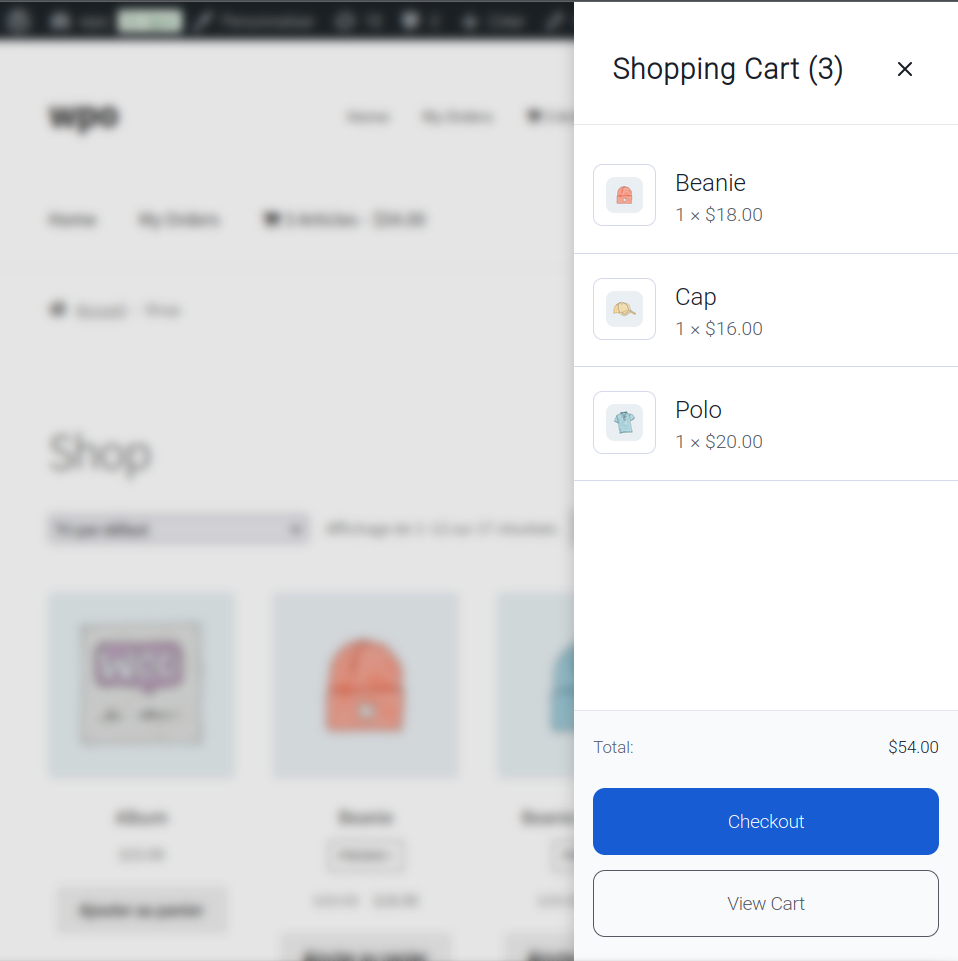
Sidebar Slide-out #
Where the full cart slides in from the side.
Mode specific settings:
- Sidebar width.
- Overlay opacity.
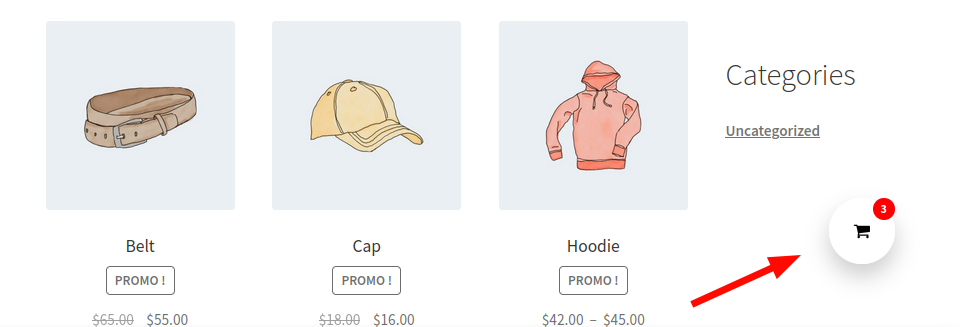
Floating Cart #
A fixed floating button appears. Clicking on this takes the user to the cart page.
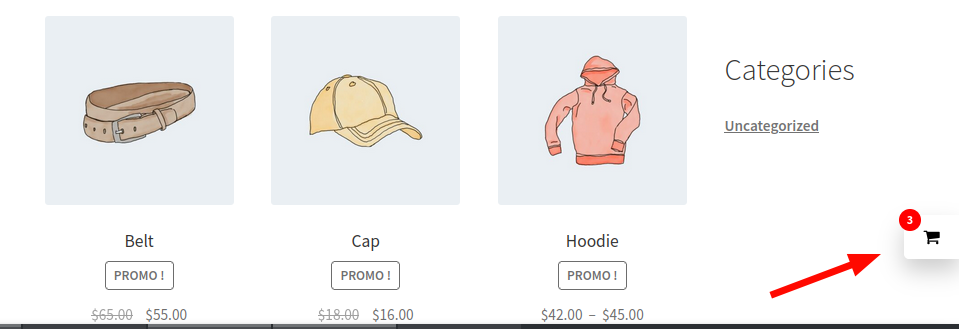
Mode specific settings:
- Display style
- Floating circle
- Side square
- Position
- Bottom left
- Bottom right
- Top left
- Top right
Dropdown Preview #
A hover/click shows cart content via dropdown action.
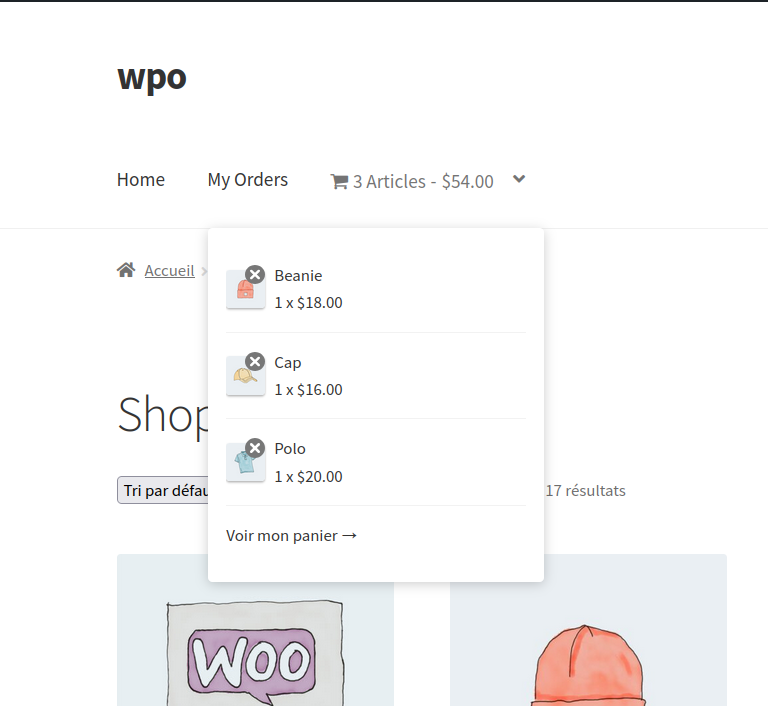
Mode specific settings:
- Max items to show
- Show thumbnails


