One or more of these troubleshooting steps may need to be applied at the same time.
Temporarily disable the Keep PDF on Server option #
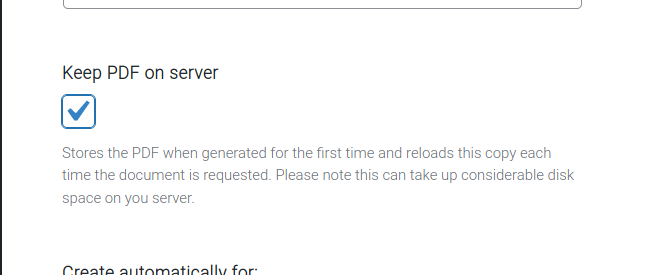
In order to obtain results from troubleshooting steps, it is very important to deactivate the Keep PDF on Server option if active, at WooCommerce > PDF Invoices > Documents > next select a document type, then scroll down to Advanced > Keep PDF on Server.
It is possible that one of the troubleshooting options in this article may fix the issue, but that you may not see it because of this setting being active.
Some documents are well translated but others are not #
If this is the case, try loading a document using the latest settings.
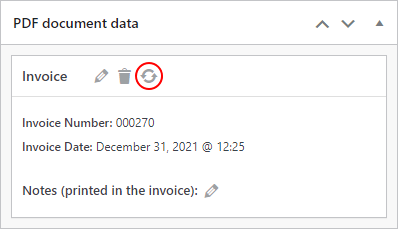
Or for a single order at a time: just click the icon indicated below, inside the order details page from the admin side, and the individual PDF will be regenerated following the last plugin settings.
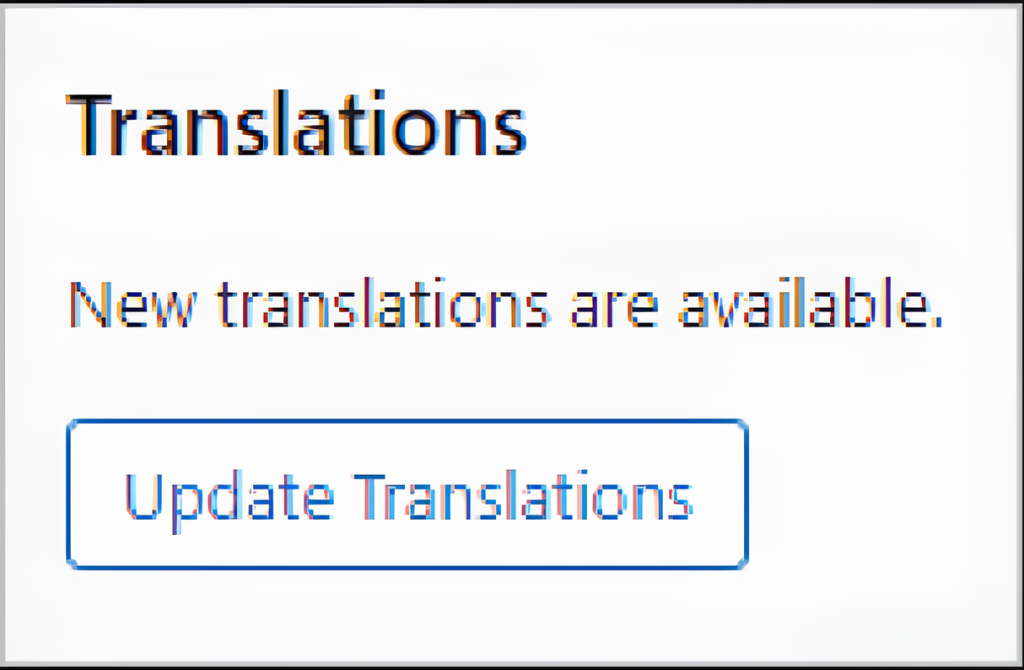
Update site translations #
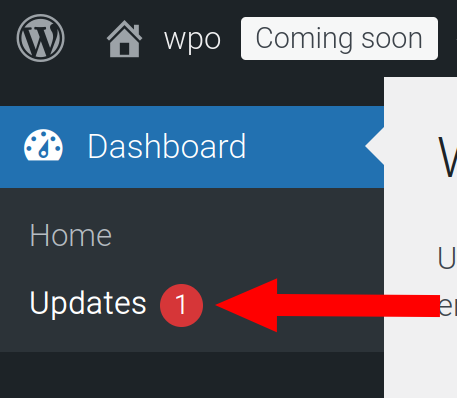
Path: Dashboard > Updates > Translatons.
After updating, regenerate a PDF document.
Document language setting #
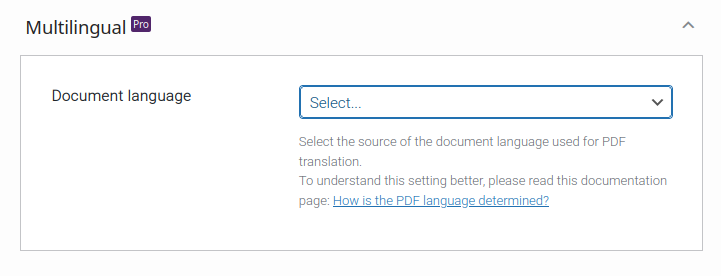
Path: WooCommerce > PDF Invoices > General > Multilingual > Document language.
Check that this setting is not accidentally set to an unwanted value.
Reload translations for attachments #
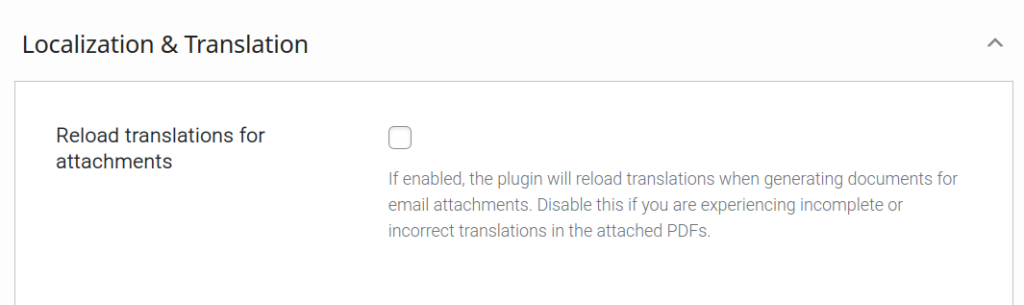
Path: WooCommerce > PDF Invoices > Advanced > Localization & Translation > Reload translations for attachments.
This feature is relevant if the documents that are manually generated via the website’s admin area are fine, but the documents attached to emails or sent via FTP, or sent via cloud storage are not fine.
Try to change the value of this feature, then manually send a new email attachment and check the output of the email attachment.
Potential plugin conflicts #
Elementor #
Clearing Elementor’s files & data and syncing the library may fix the problem of mixed language invoices.
Download monitor by WP Chill #
This plugin may potentially prevent your site from downloading translations automatically. Check this by temporarily disabling it.
Loco Translate #
- If using this plugin, you have provided translations but they do not appear, try to synchronize your translation files.
Are you using a multilingual plugin? #
Do note that, in addition to the main WPML plugin, you need to also install the WPML String Translation plugin.
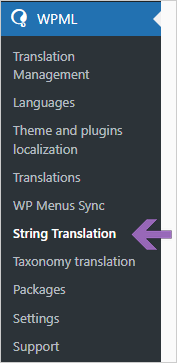
When both plugins are active, you should see a new option in your WordPress Dashboard > WPML > String Translation: