Requirements #
- WPML Multilingual & Multicurrency for WooCommerce
- WPML Multilingual CMS
- WPML String Translation
How to translate #
Assuming you already have a reminder email ready, the current examples will assume English as the default language.
Manual translation with WordPress Editor #
This will allow for manual translation, so that you can craft each translation’s content according to your needs.
When viewing the email, make sure this is selected:
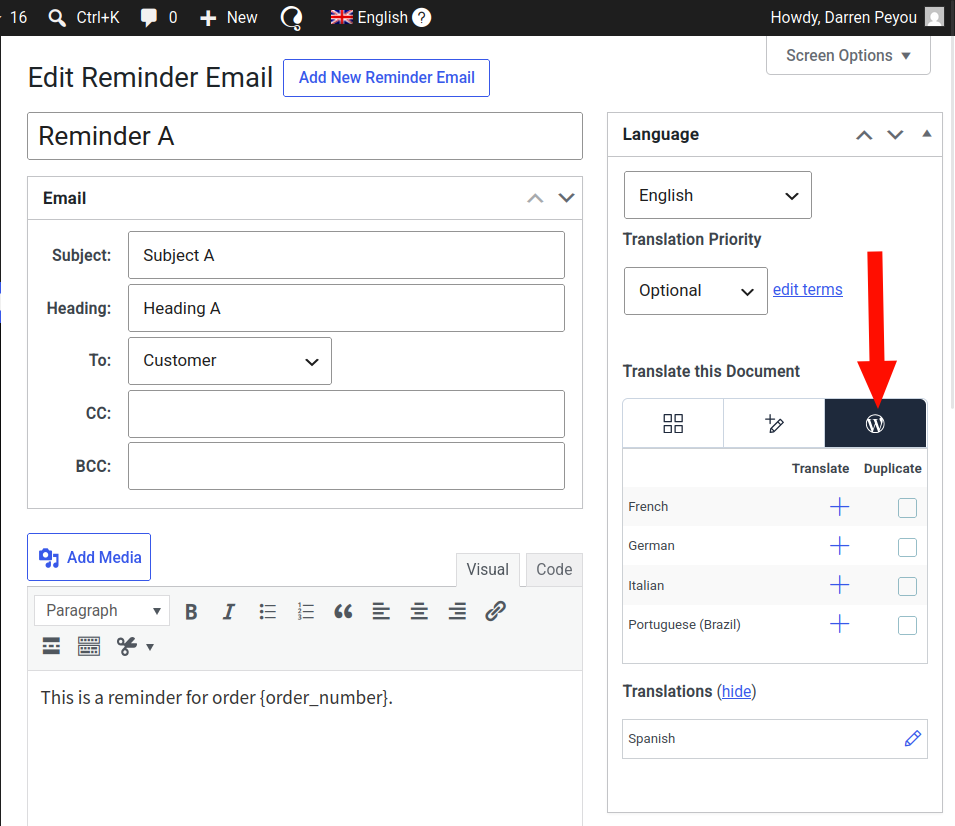
Then select the language to edit by clicking the associated “plus” sign next to the language.
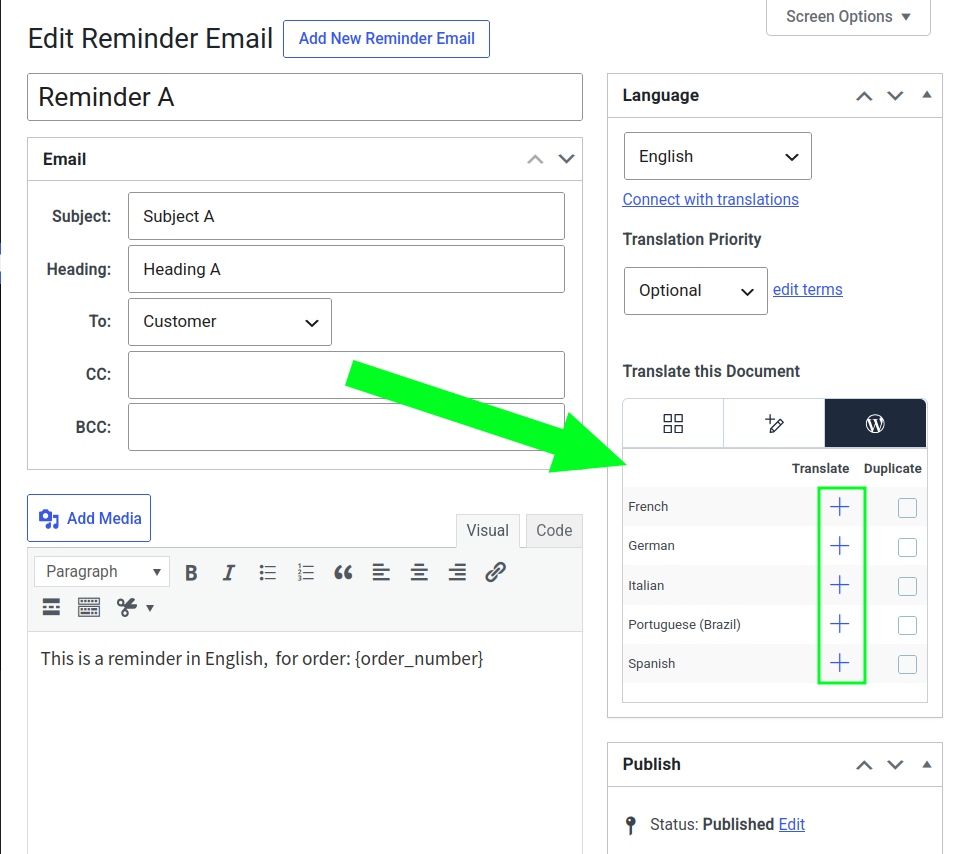
In this example, Spanish is clicked. The screen will reload, showing Spanish as the current WPML language. The email content will be empty.
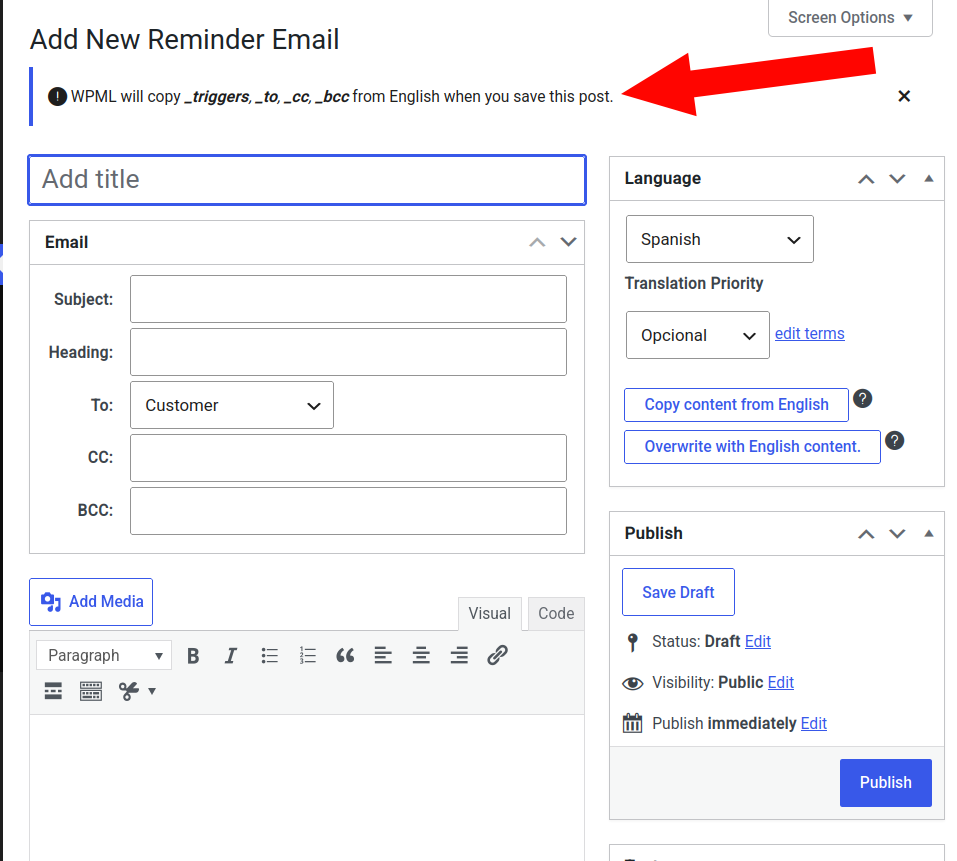
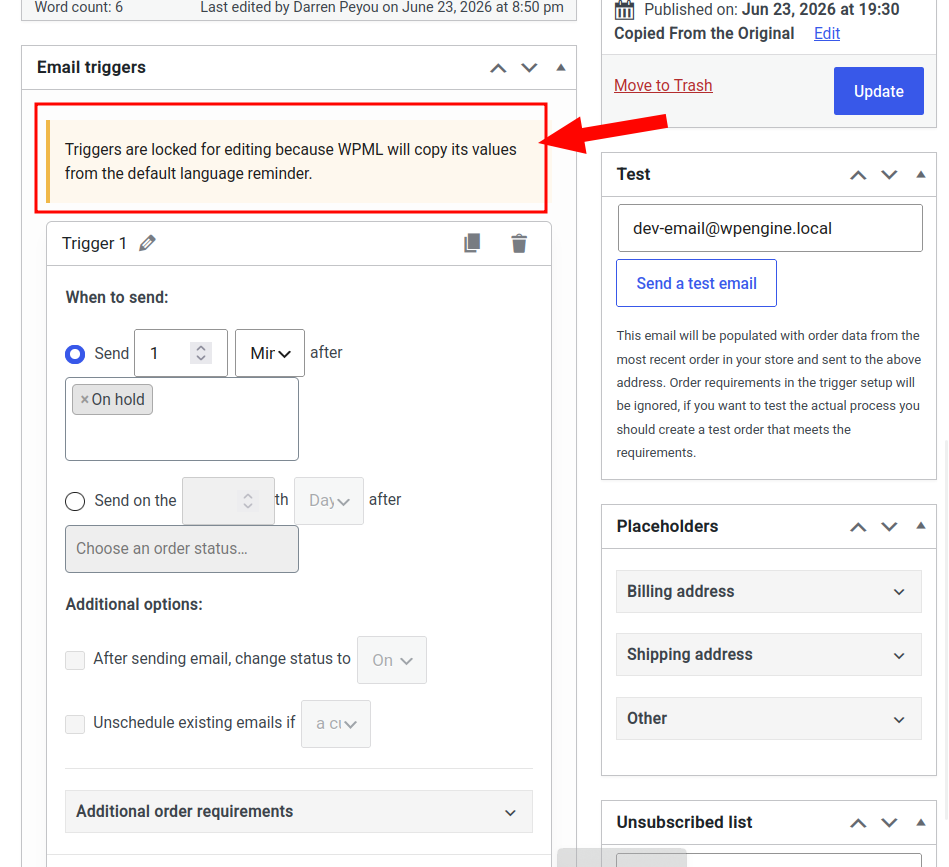
The message indicates that WPML will copy the following values from the original reminder email, after the translation is saved:
- Email triggers
- “To” value
- “CC” value
- “BCC” value
If the email is scrolled down, the message regarding locked triggers will be visible.
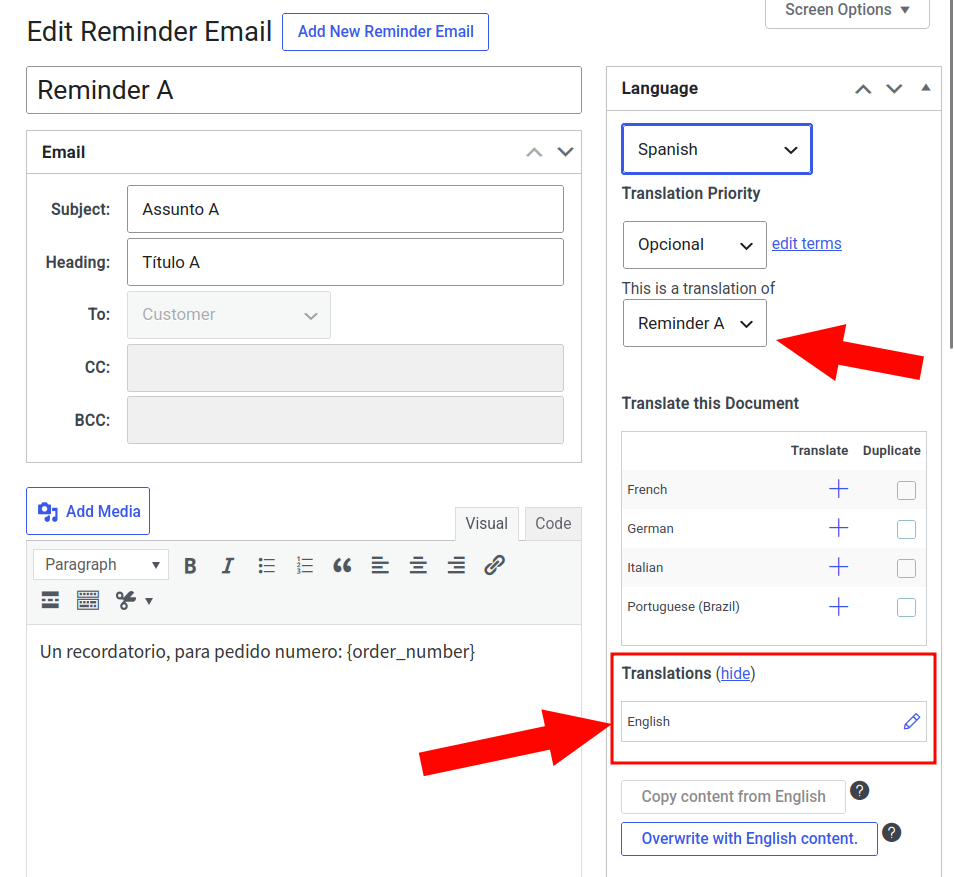
Upon saving the post, the To, CC and BCC fields will be grey-out. There will be data to show the default translation
Automatic translation with WPML Editor #
This will allow for automatic translation, but the ability to change the content structure per language is lost.
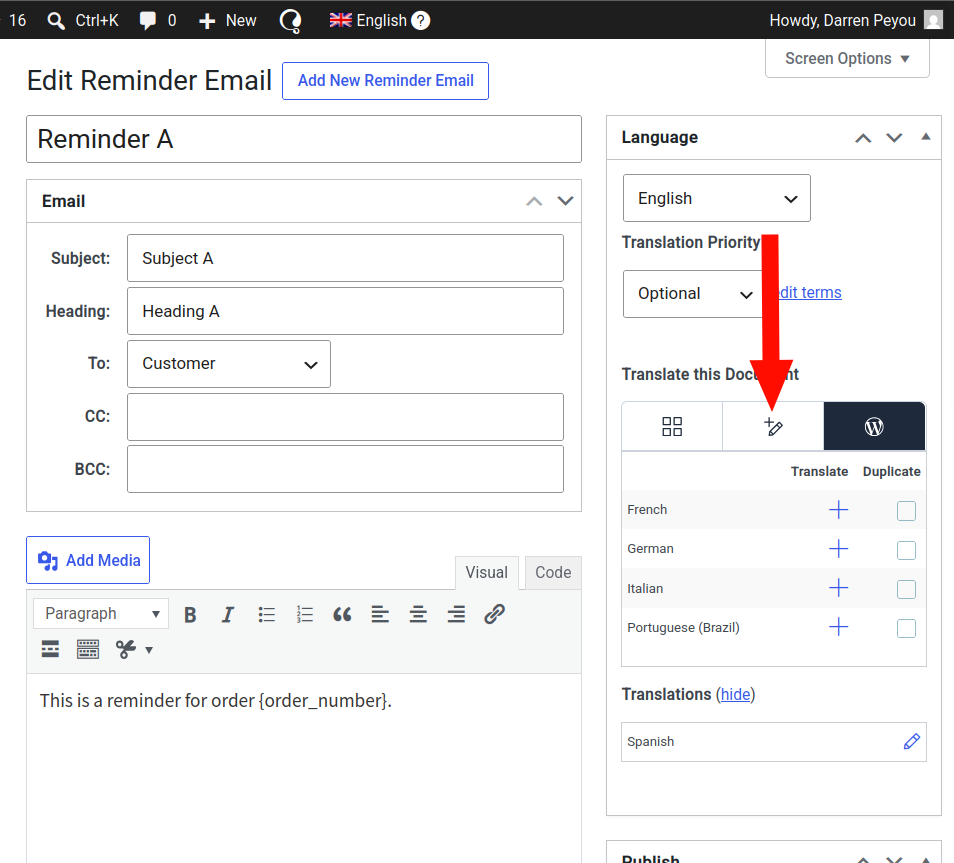
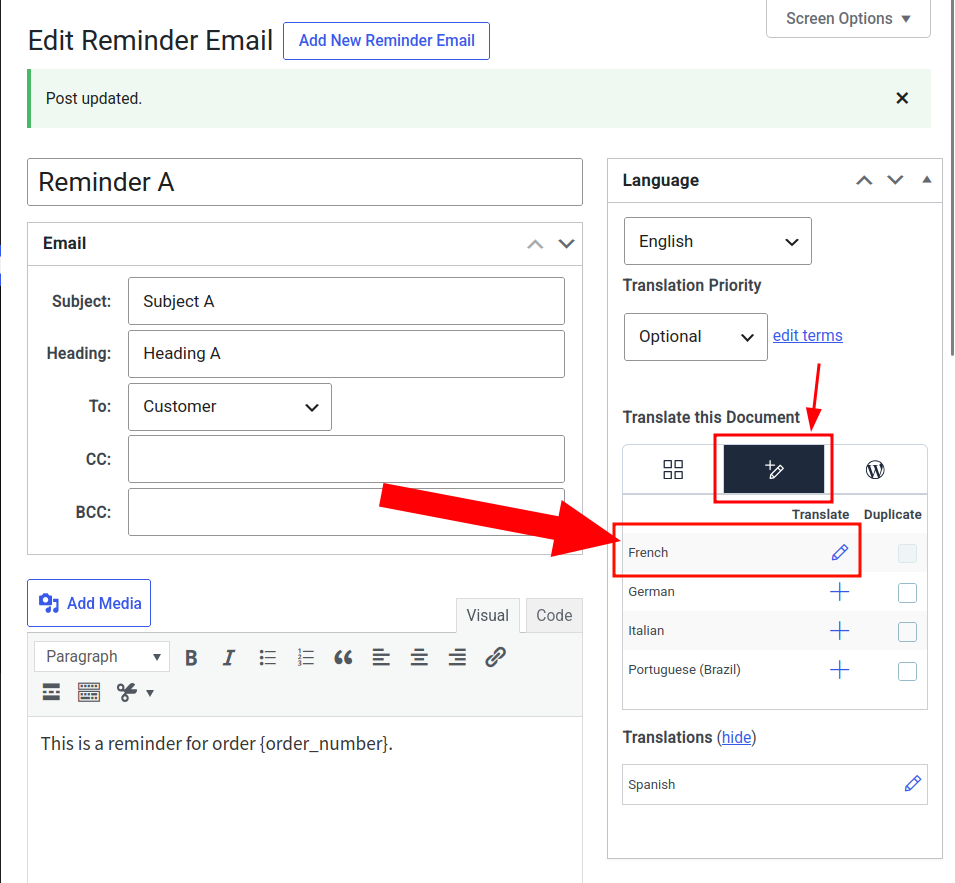
From the Reminder Email editing screen, the WPML translation editor must be clicked in order to activate it.
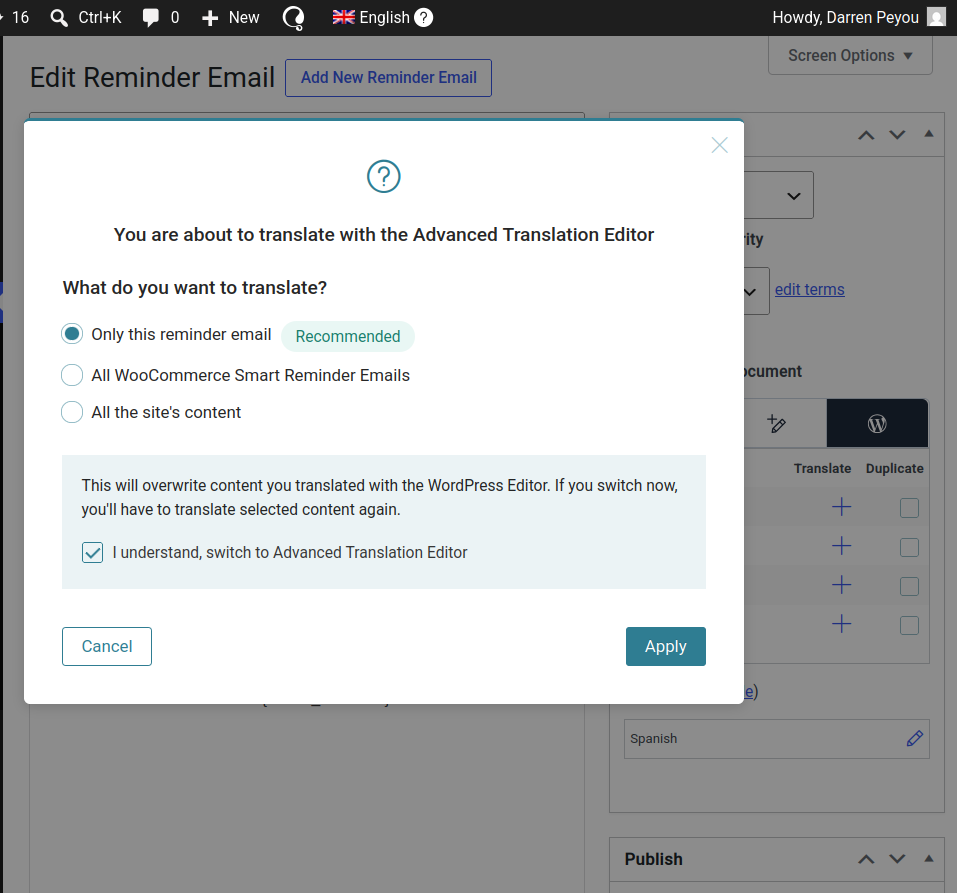
A pop-up will appear in order to make the WPML editor the default editing method – for either the singular email or for all emails.
WPML will display its automatic translator, where WPML credits will be used, all translatable text will appear in editable fields and the translations can be saved.
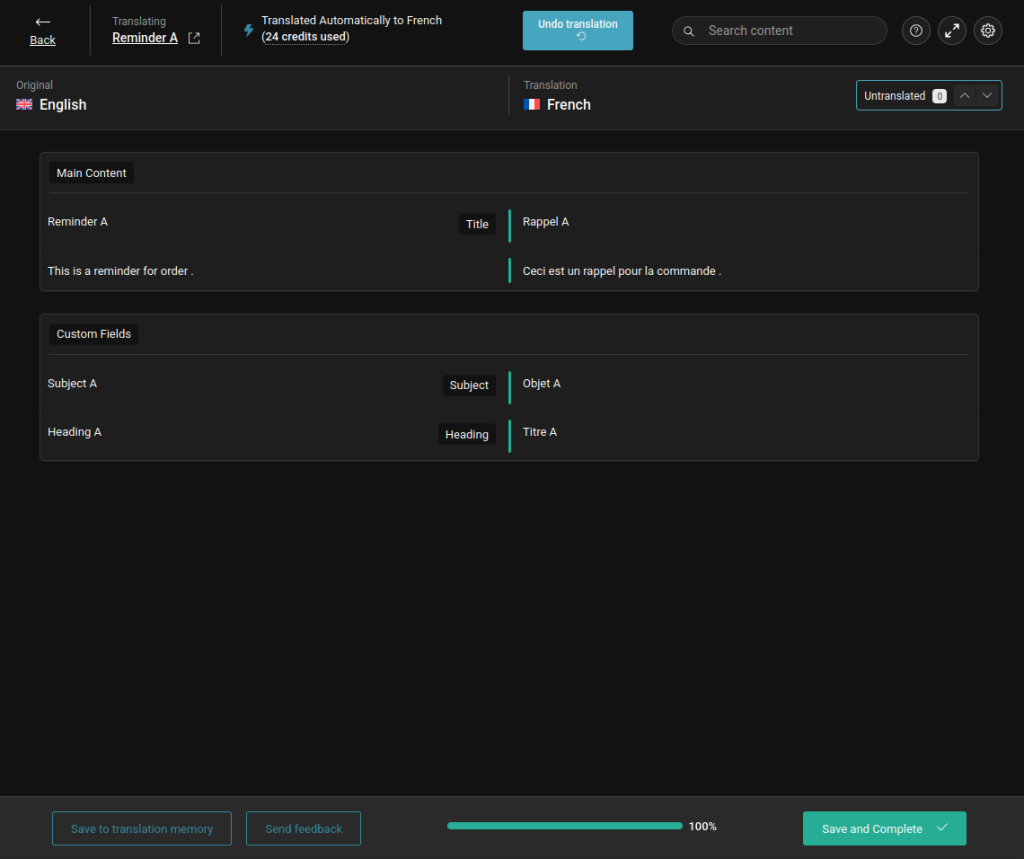
Afterwards, the translation will be editable again as shown from the field below.
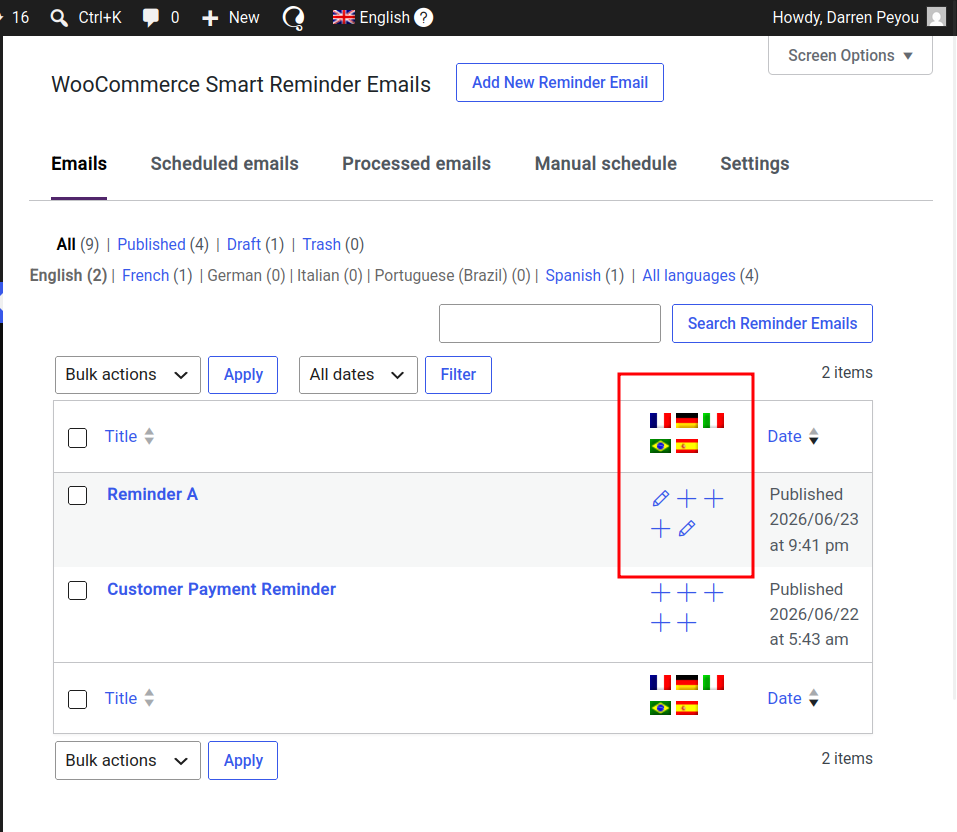
At WooCommerce > Reminder Emails > Emails, the translation will appear as a pencil icon to show that it has been added.
Caution – changing the post language #
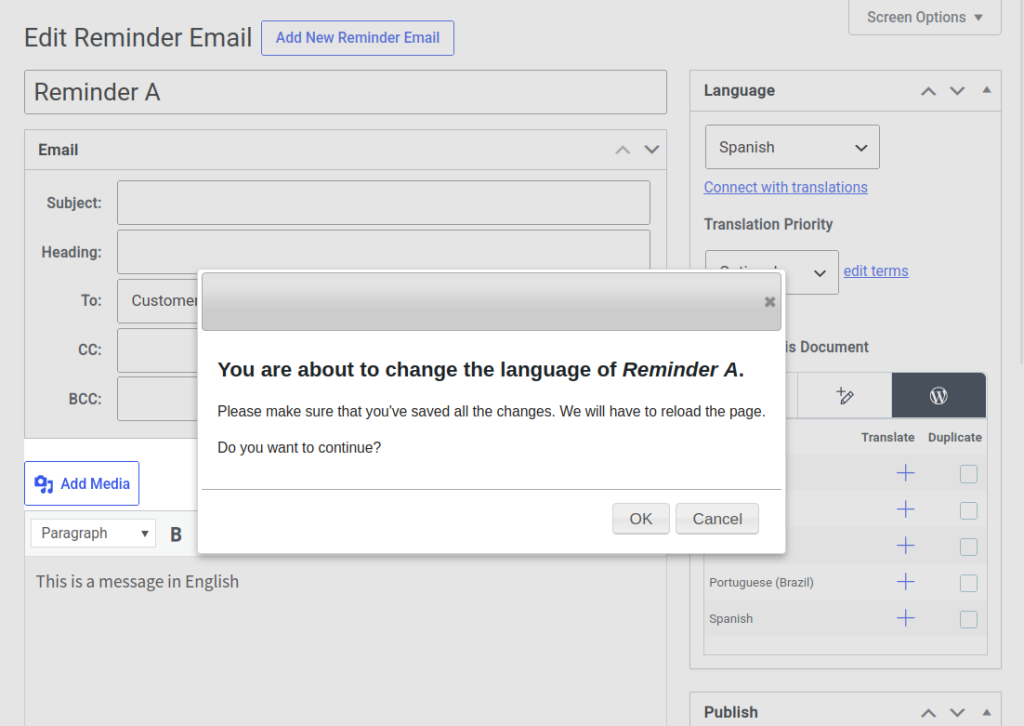
This is something that could be done accidentally, when trying to translate what is supposed to be a default reminder email.
Changing the language in the “Language” postbox will change the default language of the post. So instead of creating a new translation, the original reminder email language will be replaced with the newly selected reminder email language.
This means that if you have a newly created reminder in English and you selected French as the language, then the English reminder will be replaced with a French reminder, and the English reminder will no longer exist.
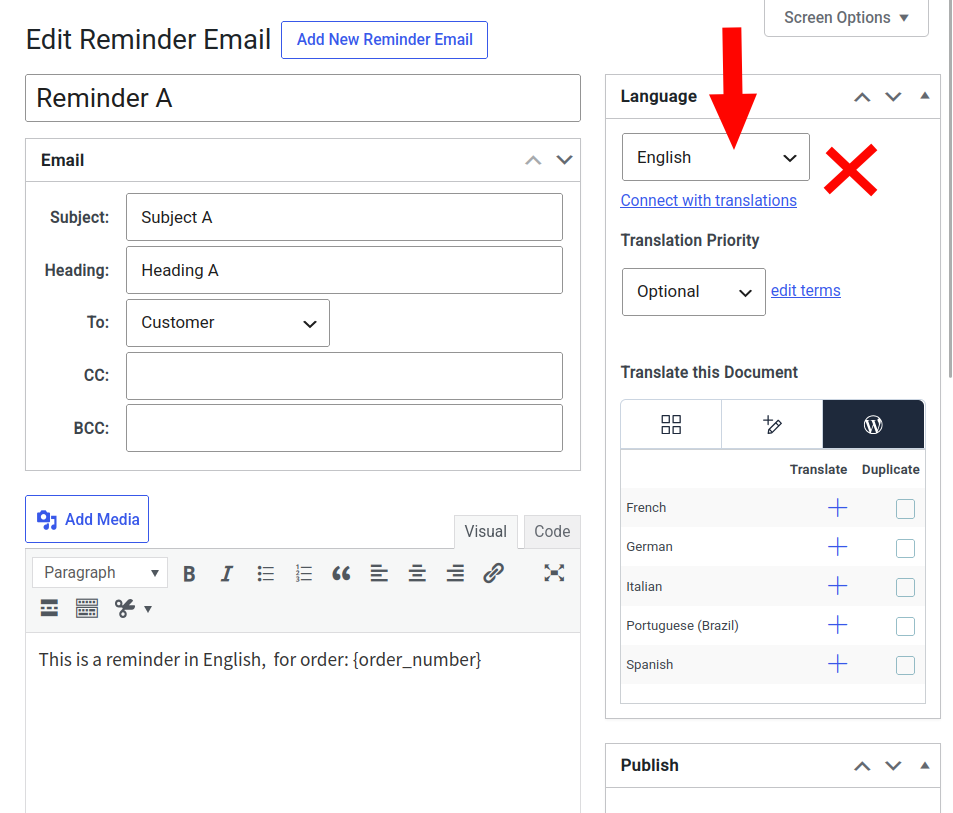
If this is actually what you truly want to do, click OK in the pop-up.